The most effective way to contact CNFans for official, order-related support is by submitting a ticket through the Help Center on their website. For general inquiries and immediate community assistance, the official CNFans Discord server is the best option. Having direct access to the right support channel ensures your questions about orders, shipping, and quality control are resolved quickly, making for a seamless international shopping experience.
Table of Contents
- What Are the Official Ways to Reach CNFans Support?
- Where Can You Find Community-Based Support for CNFans?
- How Can You Speed Up Your CNFans Support Inquiry?
- What Common Issues Require Contacting CNFans?
- Why Is CNFans a Reliable Shopping Agent?
What Are the Official Ways to Reach CNFans Support?
For any issues directly related to your account, orders, or payments, using the official support channels is paramount. These methods create a documented record of your conversation and ensure your request is routed to the correct department. Official channels are the most secure and reliable way to get resolutions for sensitive matters.
Using the CNFans Help Center & Ticket System
The primary and most structured way to get in touch with the support team is through the integrated Help Center. This system is designed to handle a high volume of specific user inquiries. You can access it directly from your user dashboard on the website. This method is ideal for detailed questions regarding payment issues, account problems, or specific order discrepancies.
When you submit a ticket, it is assigned a unique number, allowing you to track its status. Response times can vary based on inquiry volume, but this formal process guarantees that your issue is logged and will be addressed by a service agent. It's the best method for creating a paper trail for your support request.
Contacting Support Directly Through Your Order or Parcel
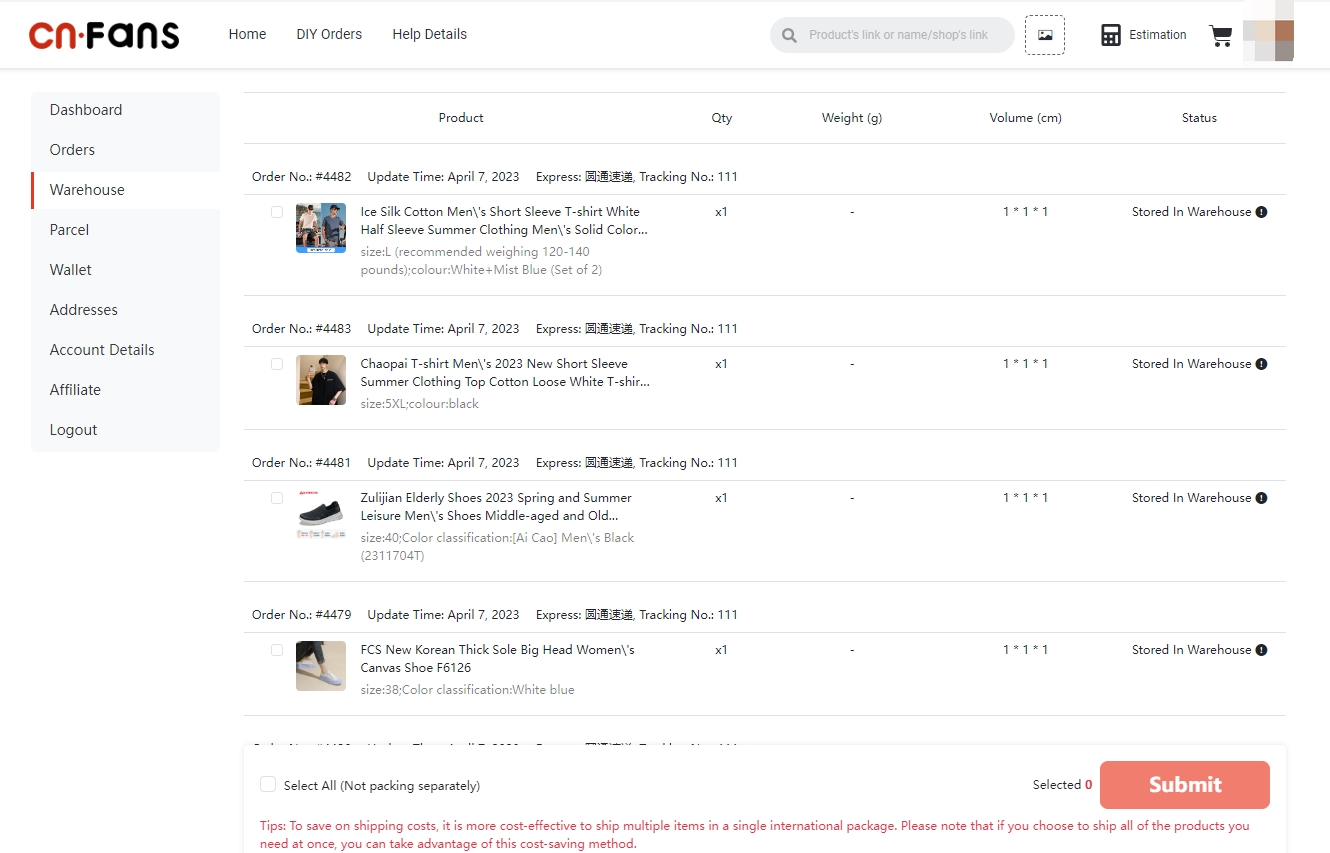
For questions about a particular item in your warehouse or an issue with a submitted parcel, the most efficient method is to leave a message directly on that item's or parcel's page. On your "My Orders" or "My Parcels" page, you will find an option to "Leave a Message" or "Contact Agent" for each entry.
Using this feature connects your message directly to the specific item or shipment in question. This gives the support agent immediate context, eliminating the need for you to explain which order you are referencing. This is perfect for inquiries such as: requesting additional QC photos, asking about an item's status, or clarifying shipping declarations for a specific parcel.
Where Can You Find Community-Based Support for CNFans?
Sometimes you may have a general question that doesn’t require official intervention or you might want a faster, more informal answer. The CNFans community platforms are vibrant spaces where you can get help from experienced users and, often, from community managers and staff members who monitor the channels.
Joining the Official CNFans Discord Server
The CNFans Discord server is a real-time hub for communication. It's an invaluable resource for both new and experienced users. Here, you can ask general questions, get shipping advice, and share your experiences with others. The server is organized into various channels, such as #support, #shipping-discussion, and #general-chat, so you can direct your question to the most relevant audience.
While not intended for resolving complex, private order issues, Discord is the fastest way to get answers to general questions like "Which shipping line is best for my country?" or "Has anyone ordered from this seller before?". Staff members are active and can often provide quick guidance or direct you to the proper official channel if needed.
Engaging with the CNFans Reddit Community
The official subreddit, r/CNFans, is another excellent platform for community-driven support. Reddit's format allows for more detailed discussions where users can share their shopping hauls, post reviews of items, and ask for advice from a broad audience. It's a great place to research sellers or get opinions on product quality from people who have already made similar purchases.
While official staff may browse the subreddit, it is primarily a user-to-user community. It's less effective for urgent, order-specific problems but exceptional for gathering opinions, troubleshooting common issues, and learning tips and tricks from a large and knowledgeable user base.
How Can You Speed Up Your CNFans Support Inquiry?
Getting a quick and helpful response often depends on how you present your issue. By providing all the necessary information upfront and choosing the right platform, you can significantly reduce back-and-forth communication and get your problem solved faster.
Preparing Your Information Before Contacting Support
Before you even type your message, gather all relevant details. An agent can resolve your issue much faster if they have all the context immediately. Vague questions lead to clarifying questions, which causes delays. Always try to include:
- Your CNFans Username: To identify your account.
- Order Number (for item inquiries): This usually starts with "O".
- Parcel Number (for shipping inquiries): This usually starts with "P".
- A Clear Description of the Issue: Be specific. Instead of "My order is wrong," say "I ordered a size Large, but the QC photos show a size Medium."
- Relevant Screenshots or Photos: Visual evidence is extremely helpful for QC issues, damaged items, or payment errors.
Choosing the Right Contact Method for Your Problem
Using the correct channel for your specific issue is crucial for a speedy resolution. Sending a payment dispute to a community forum or a general question to the formal ticket system can cause unnecessary delays. Use this table as a reference:
| Problem Type | Recommended Contact Method |
|---|---|
| Question about a specific item in your warehouse | Message on the order page |
| Payment or top-up failure | Help Center Ticket System |
| General question about shipping times | Discord or Reddit |
| Parcel is stuck in customs | Help Center Ticket System |
| Account security concern | Help Center Ticket System |
Writing a Clear and Concise Message
When you write your message, be polite, clear, and to the point. Support agents are often dealing with hundreds of tickets, and a well-structured message makes their job easier and your resolution faster. Use simple sentences and avoid slang. A good message structure includes a brief greeting, a clear statement of the problem with all relevant IDs, and a specific request for what you need.
For example: "Hello, I have a question about order O123456789. The QC photo for the t-shirt shows a stain on the collar. Could you please ask the agent to exchange it for a new one? Thank you." This is much more effective than "my shirt is dirty fix it."
What Common Issues Require Contacting CNFans?
Navigating the world of international shopping agents can sometimes present unique challenges. Understanding the common issues that arise can help you know when and how to seek support effectively.
Questions About Quality Control (QC) Photos
Once an item arrives at the warehouse, CNFans provides QC photos. You might need to contact support to request additional photos from different angles, measurements of the garment, or clarification on a potential flaw. This is best done by leaving a message directly on the order item page.
Problems with Orders and Items
Issues can arise during the purchasing phase. You may need to contact an agent if a seller sent the wrong size or color, an item is now out of stock, or you want to cancel an order before it has been purchased. These are time-sensitive requests that should be submitted via the message system on the specific order.
Inquiries About Warehouse Storage and Parcels
Your items are stored in the warehouse before you ship them. Common questions involve the free storage period, consolidating items into a single parcel, or asking for "rehearsal shipping" to get an accurate weight and volume for your package. These general process questions are great for Discord, while parcel-specific requests should go through the parcel messaging system.
Resolving Shipping and Customs Issues
Shipping is the final step. You might contact support to ask about tracking information that hasn't updated, inquire about what to do if a package is seized by customs, or report an item that arrived damaged. For urgent matters like a customs seizure or a lost package, always use the formal Help Center ticket system.
Why Is CNFans a Reliable Shopping Agent?
Choosing the right shopping agent is about more than just price; it's about reliability, features, and support. CNFans stands out with its innovative spreadsheet ordering function, which simplifies placing large, complex orders from platforms like Taobao and Weidian. This unique tool streamlines the process for both new and power users.
Beyond its powerful ordering system, the platform is built on a foundation of trustworthy service. With detailed QC photos, a wide array of shipping options, and a structured support system that includes both official ticket channels and active community platforms, CNFans provides the tools and assistance needed for a secure and successful shopping journey. The multiple avenues for contact ensure that users can always find the help they need, when they need it.